|
-
The Medieval Mod

Dell Latitude D810 Review (BIG pics!)
EDIT: (pics have been lowred, they are now 1MB ~ total)
EDIT2: added a little more info
SPECS
*Intel Pentium M 760 (2.0GHz)
*Video: ATI RADEON X600 128MB
*Windows XP pro
*Screen: 15.4" UltraSharp Wide Screen WSXGA+ (1680 x 1050 )
*Memory: 1GB (512x 2) 533MHz DDRII - Dual Channel
*Hard Drives: 60GB 5400RPM
*CDRW: 24X CDRW/DVD Combo
*Wireless: Intel® PRO/Wireless 2915 802.11 a/b/g
*Battery: 9-CELL
This is my first laptop. Been using it for 2 months. I usually take it everyday for school. I've have 2 issues with it.
Even when it's connected to the AC, Belarc and Everest show that the cpu isn't running at 2.0Ghz, but at 800Mhz. Same speed when running on battery.
I got an answer from Dell support but the site was only for latitudes with pentium 3. Haven't insisted, want to reformat one of these days, remake my partitions. And the other issue, on the on/off, battery,activity leds, the thin layer seems to be falling off (have pics). And third, though not an issue, is you can't control the volume unless windows has booted completely. This is a pain when I use it at home I usually have it to max or close to max and when I'm at class I turn it on, but I forget I have it at max so all the classroom hears the Windows boot sound. Everybody keeps looking at me, I apologize.
Other than that, I'm happy with it. The most intensive activities I do are playing games (mostlly WoW). Haven't installed heavy software like VS studio .net. Though I don't know if this if for all Pentium M, but when playing WoW and I return to Windows and open IE, it's becomes real slow when opening more IE windows.This does not happen with my Athlon XP 2500+ desktop with also 1GB ram.Same programs, the only difference is the desktop is win2k and the laptop XP pro (eye candy disabled).
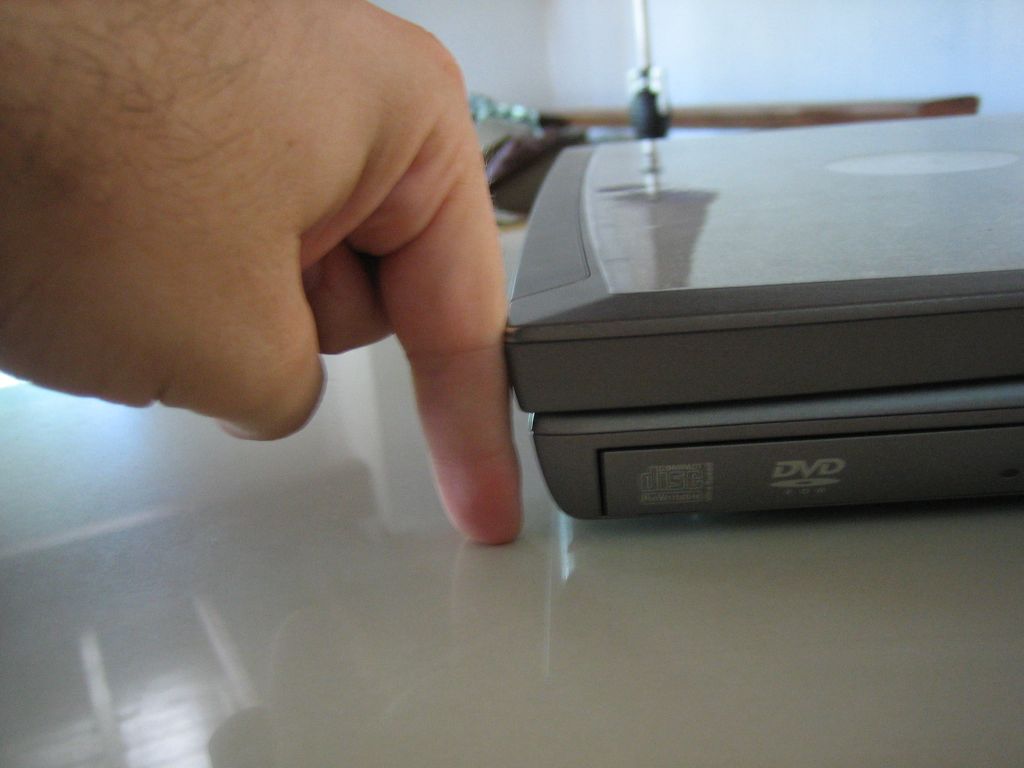
Though it does weigh bit more than 6lb and 1.6" thick, you get used to it. It's still lighter than a friends 2 year old Pentium 4. I walk everyday for school (20~min per trip) and I no longer feel the extra weigh on my back.
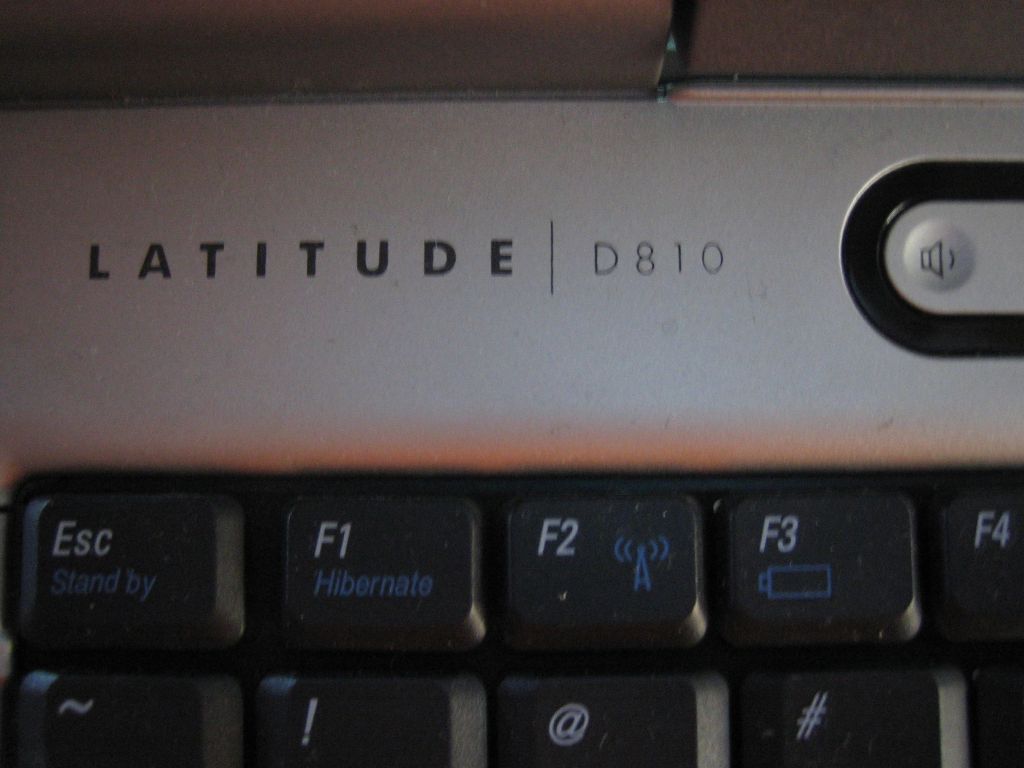
I'm been using the Fn shortcuts more than I thought I was
Fn + (Esc,F1,F2,F3,F4)
Esc = standby
F1 = Hibernate
F2 = enable/disable wireless
F3 = battery status.
It doesn't run that hot even after many hours of WoW. Just in case I bought some vantec special laptop fans (will make a review later).
With no intensive activity I have bit more than 3 hours of battery. If I disable the onboard nic while on battery, I get an extra 30min. I can also readjust the brightness.
For Wireless, I prefer the Intel software instead of Microsoft for wireless.
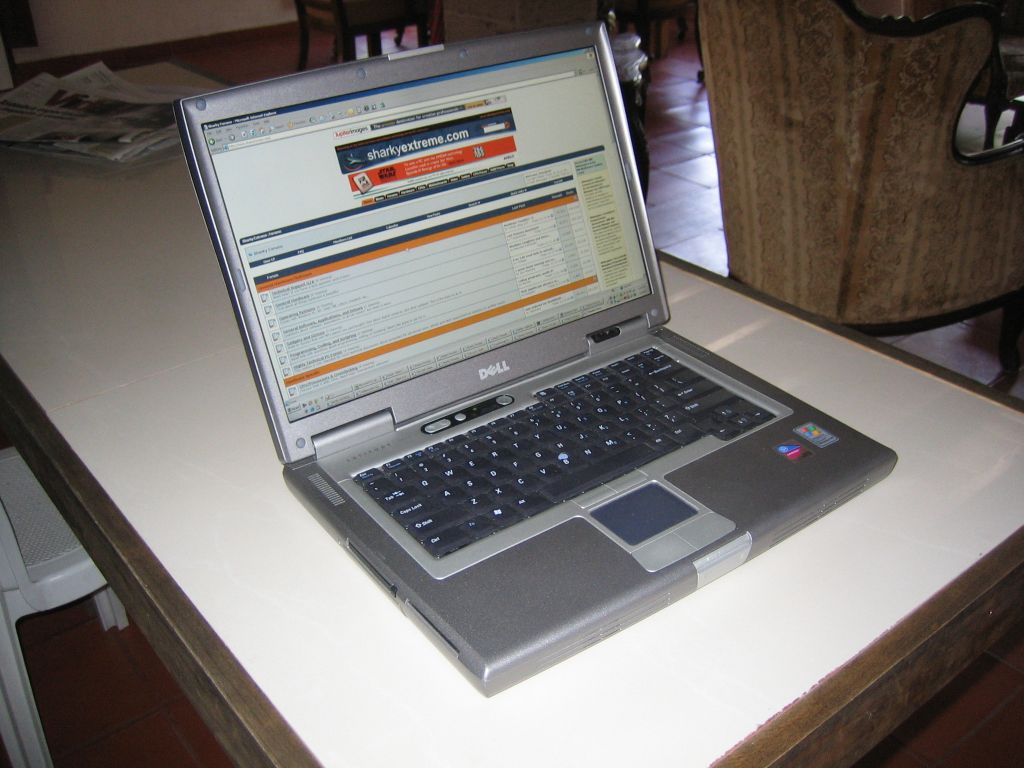
Open
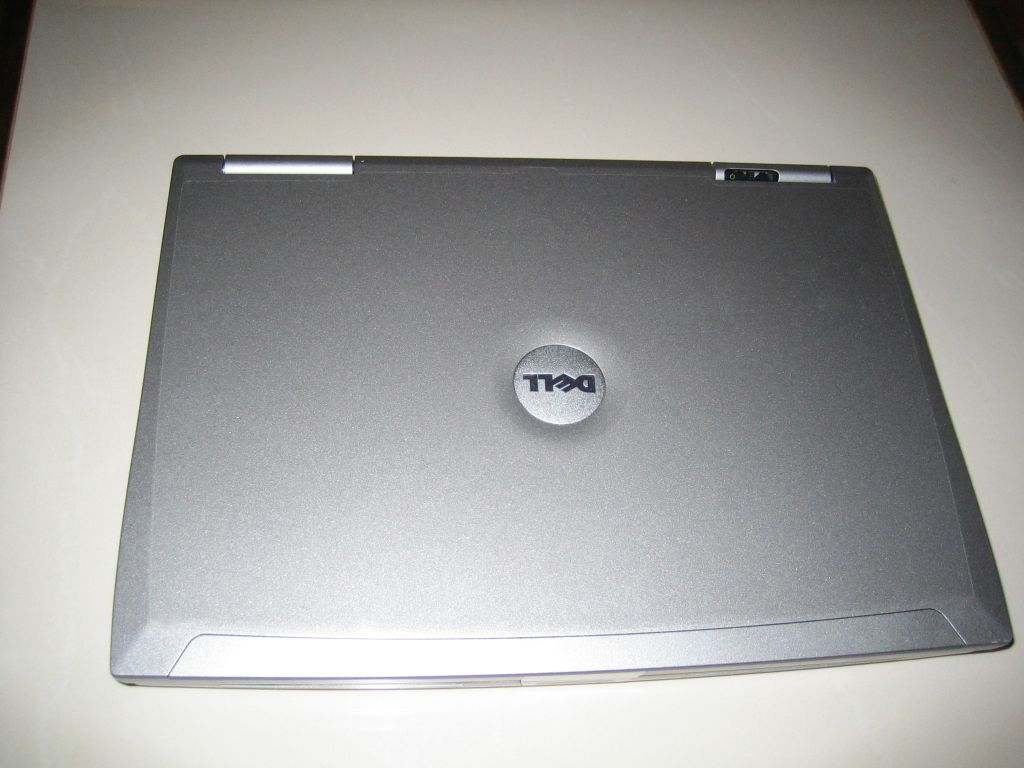
Top
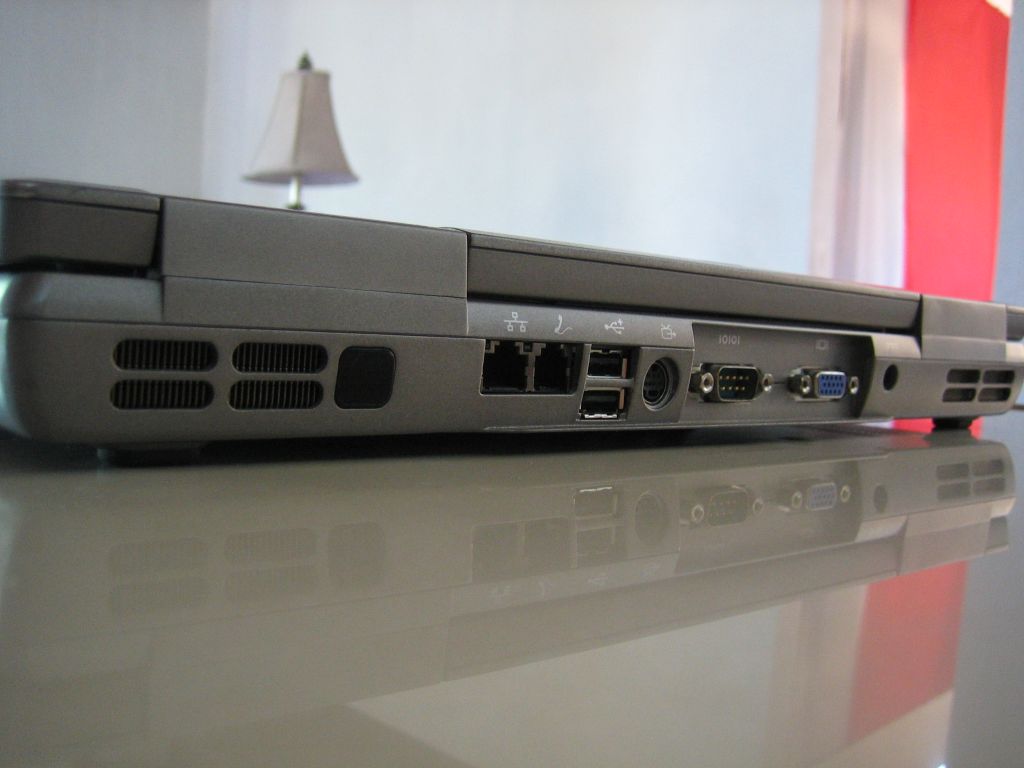
Back 1
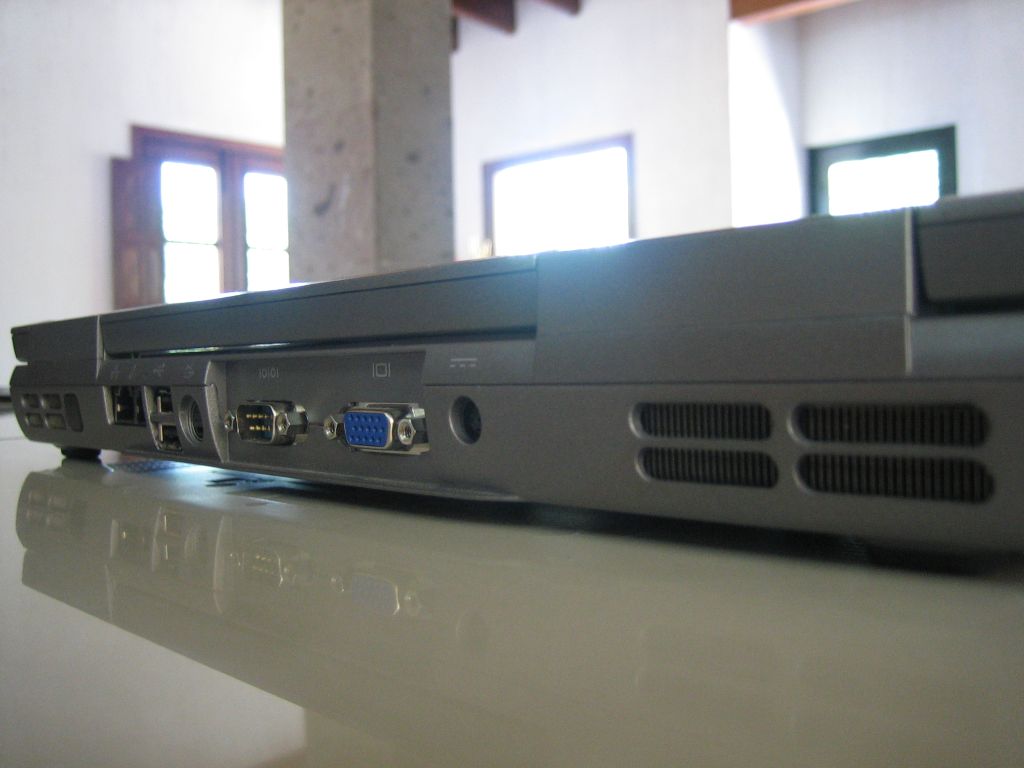
Back 2
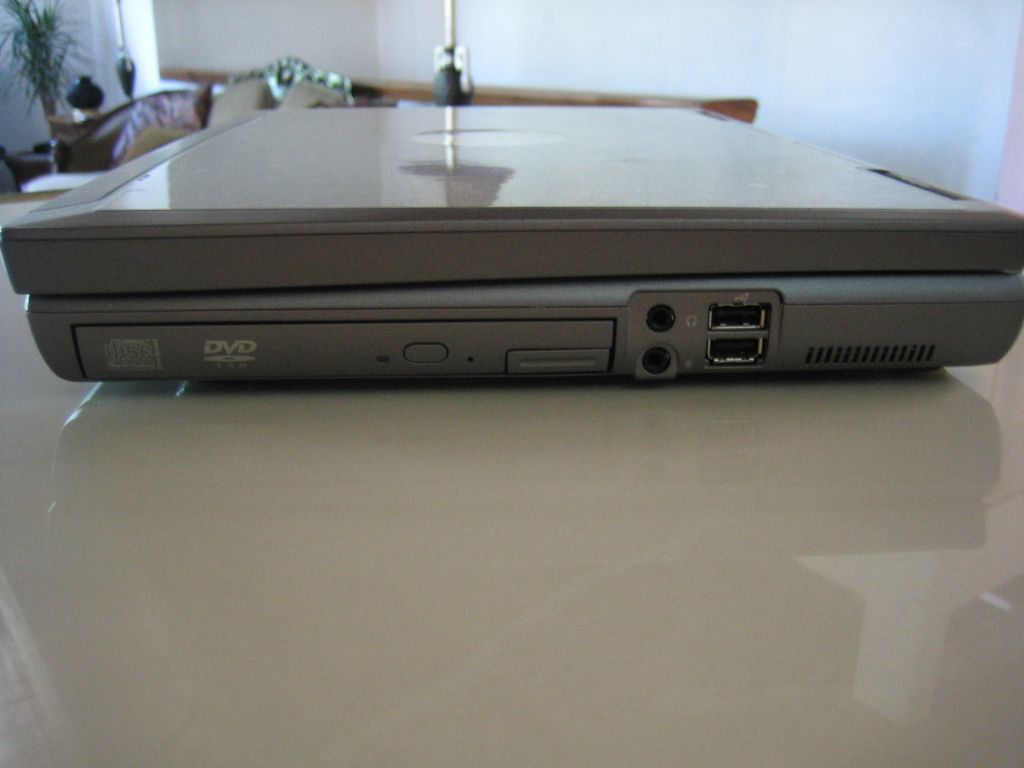
Right Side
Tall
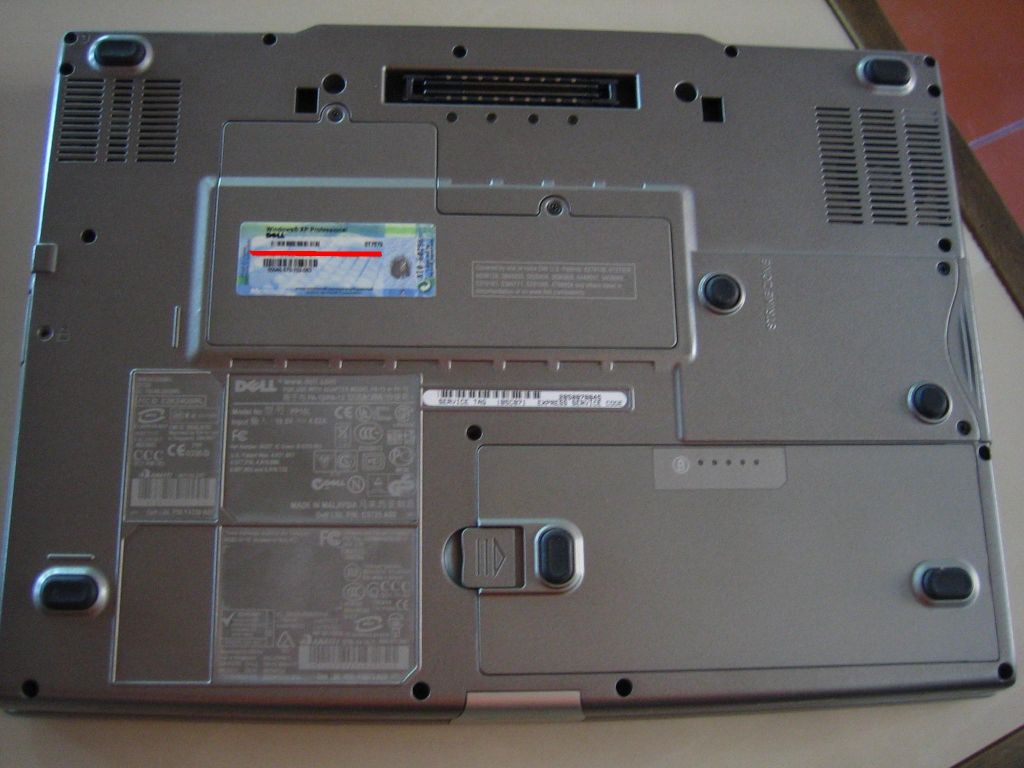
Bottom
Model Number and Fn functions
Last edited by freedonX; 07-29-2005 at 02:19 PM.
"Est Solarus Oth Mithas"
My Honor is My Life
(\__/)
(='.'=)This is Bunny. Copy and paste bunny into your
(")_(")signature to help him gain world domination
 Posting Permissions
- You may not post new threads
- You may not post replies
- You may not post attachments
- You may not edit your posts
-
Forum Rules
|
|


 Reply With Quote

